
Panoramic capture
Native connection to Ricoh Theta X, Insta360 Pro 2 and NCTech iSTAR Pulsar. One shot replaces 40-60 single photos.
Walk the site in 360 degrees.
Evidence in pixels.
Capture the entire site in a single walkthrough with a panoramic camera and tablet - every wall, every ceiling, every shaft. Shots are geo-tagged, pinned on the plan and compared over time. The result is a seamless visual project record for construction progress, defect evidence and technical due diligence.
Classic site photography produces thousands of single images that nobody can place later. Where exactly was that taken? From what angle? Which wall? With DOC.mobile 360° Photo Documentation you walk through the site with a panoramic camera (Ricoh Theta X, Insta360 Pro, NCTech iSTAR Pulsar) - every 360° shot is transferred to the app via Bluetooth or Wi-Fi, automatically geo-tagged and pinned on the digital plan. Walkthrough sets per milestone build up over time and can be compared side by side: how did the shaft look in week 12 vs. week 18? That is the foundation for visual evidence, progress documentation, defect proof and technical due diligence.
A single 360° shot replaces 40-60 single photos and can be virtually "re-framed" in any direction long after the fact. Months later you look for the state of a particular riser pipe in a shaft: one click on the plan pin and you are virtually back on site - in exactly the condition of that walkthrough day. The shots are BCF-compatible and can be linked to defect records or TDD findings.
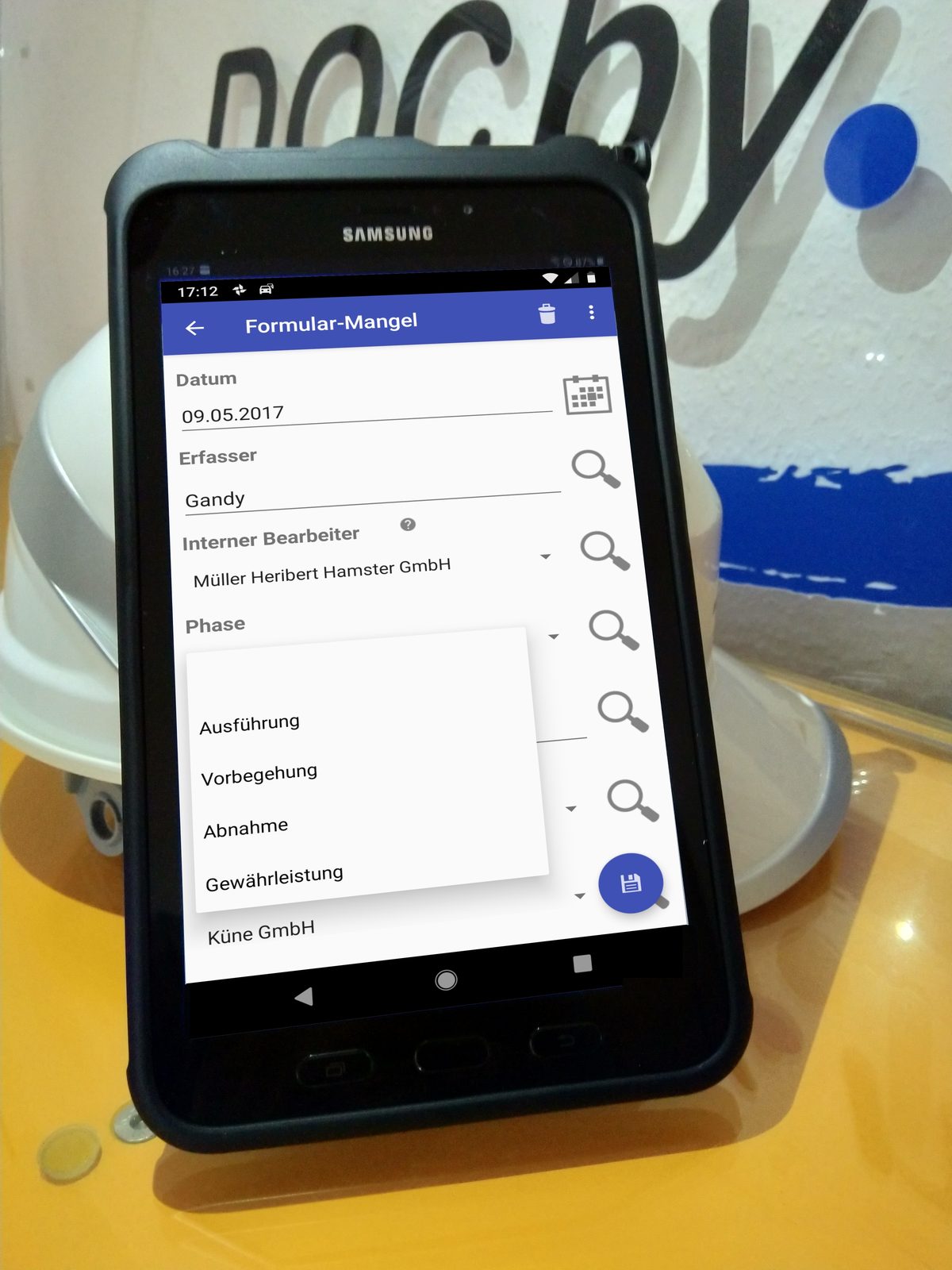
Panoramic site photos, walkthrough sets, time-lapse comparison, defect evidence - everything in one workflow. Here are the core features.
Native connection to Ricoh Theta X, Insta360 Pro 2 and NCTech iSTAR Pulsar. One shot replaces 40-60 single photos.
Every shot stamped with latitude, longitude, altitude and heading. Findable outdoors even without a plan.
Indoor shots placed on the digital site layout. Every pin knows the camera heading at the time of capture.
Side-by-side view: week 12 on the left, week 18 on the right. Visual progress at a glance.
Open a defect in Defect Management or a finding in TDD right from the shot.
Up to 500 shots per walkthrough uploaded in a single batch. Auto-pinned via GPS or capture order.
Set up the tripod, trigger the shot, step a metre forward, next shot. Every 3-5 m in large rooms. Every 2 m in shafts.
The camera transfers shots to the tablet automatically. Works offline - sync to the cloud once back online.
On the web client: drop pins or auto-locate via GPS. Open defects and TDD findings straight from the panorama view.
PDF report for the owner, interactive web tour for buyers, BCF export for BIM tools. Cloud link with expiry date.
"From day one we had a fully functional system at our disposal - no onboarding delays. The recorded defects could be processed very efficiently thanks to the automatic assignment of photos. That is what distinguishes this system; in the past, doing it by hand was extremely tedious."
Translated from the German original."With mobile data capture in DOC.mobile, cross-site collaboration is decisively improved, there are no more media breaks - and as a 'gimmick' it is worth noting that the work itself becomes more interesting…"
Translated from the German original.Out of the box: Ricoh Theta X and Theta Z1, Insta360 Pro 2 and ONE RS, NCTech iSTAR Pulsar. Through the open equirectangular JPG format, other panoramic cameras can be wired in too. On request we build a dedicated connector for your hardware.
Depending on the camera: Ricoh Theta X delivers 5760×2880 pixels, Insta360 Pro 2 up to 7680×3840, NCTech iSTAR Pulsar up to 11K. The cloud platform stores the original and automatically generates streaming-optimised versions for mobile viewing.
In our ISO 27001-certified data centre in Germany. All data is encrypted (TLS 1.3 in transit, AES-256 at rest). Optional on-premise or private cloud is available. Storage quotas per tier - can be expanded any time.
Typically 50-200 MB per 360° shot as RAW, around 5-15 MB compressed. A walkthrough with 150 pins produces roughly 1-2 GB. For mobile capture we recommend at least 256 GB tablet storage and a Wi-Fi / LTE backup in the back office.
Yes, via BCF export. Shots are transferred with position, heading and pin ID to Autodesk Construction Cloud, Solibri, Bimcollab and similar BIM coordination tools.
DOC.mobile offers optional automatic face blurring through a locally running AI model. Number plates can be redacted automatically too. Original and blurred versions are managed separately - the original is only visible to authorised roles.
Yes. Classic single-frame photos from a smartphone work in the same solution - with the same plan-pin and comparison features. You can upgrade to a 360° camera later; existing data stays compatible.
Yes. Via REST API and WebDAV we connect to SharePoint, M-Files, doxis or in-house project-record systems. Walkthrough day, pin ID and defect ID remain referenceable.
We bring the panoramic camera and walk an object of your choice with you. You see right away how 360° documentation compares to classic photography. Optionally combined with Defect Management or Technical Due Diligence. Get in touch here.